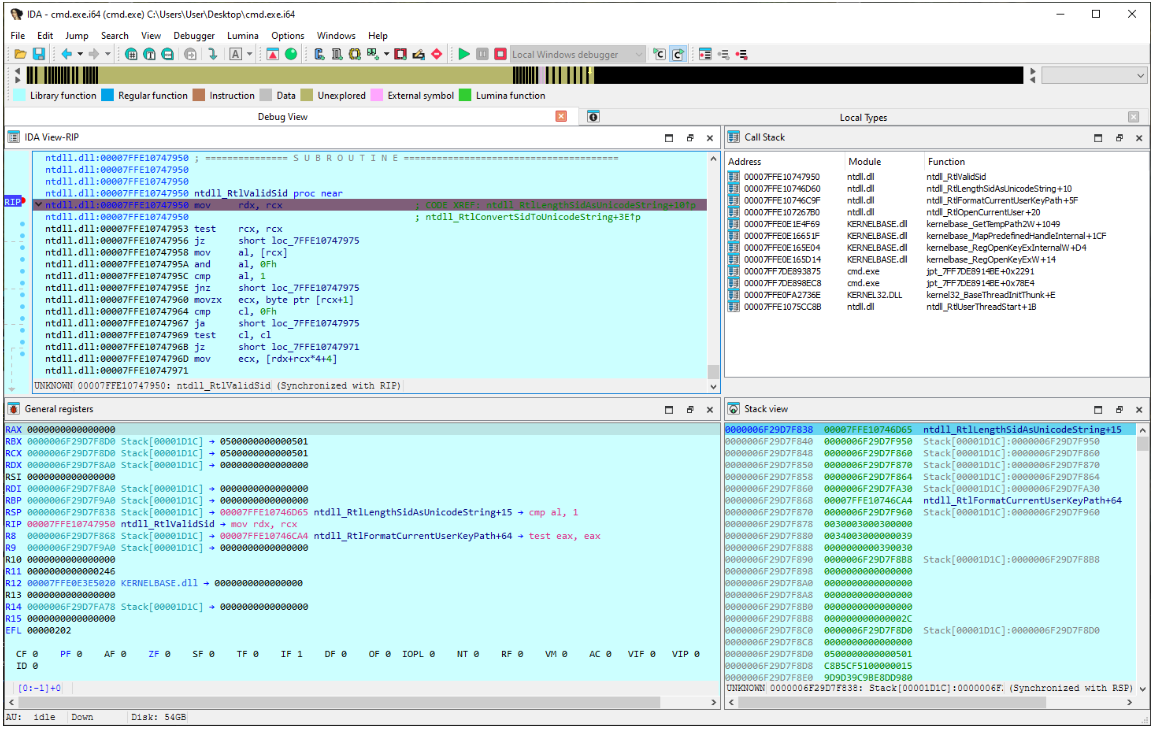

during reverse engineering session, I encountered error from IDA saying
“The debugger could not attach to the selected process. This can perhaps indicate the process was just terminated, or that you don’t have the necessary privileges.”
I was debugging a 64-bit console application under WinDBG, and I did start IDA as Administrator, but it still complaining about necessary privileges!
a quick solution I found is to run win64_remotex64 as administrator from \dbgsrv of your IDA installation and configure IDA to use a remote debugging session with a target host localhost
Leave a Comment